



ORIGIN PC
This is a carousel with auto-rotating slides. Activate pause buttons to disable rotation. Use Next and Previous buttons to navigate, or jump to a slide with the slide dots.
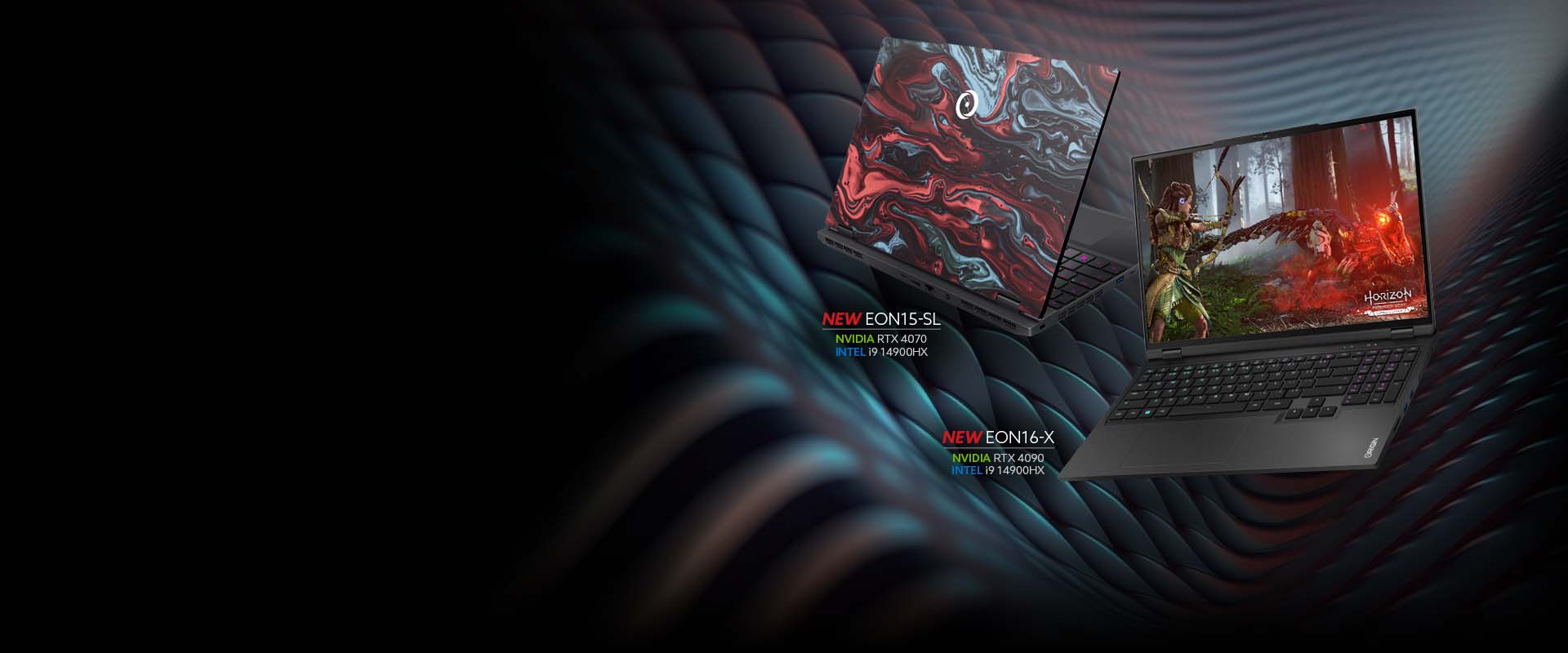
The next level of gaming performance
New EON15-SL, EON16-X, and EON17-X Gaming Laptops Available Now.
Shop EON16-X Shop EON15-SL Shop EON17-X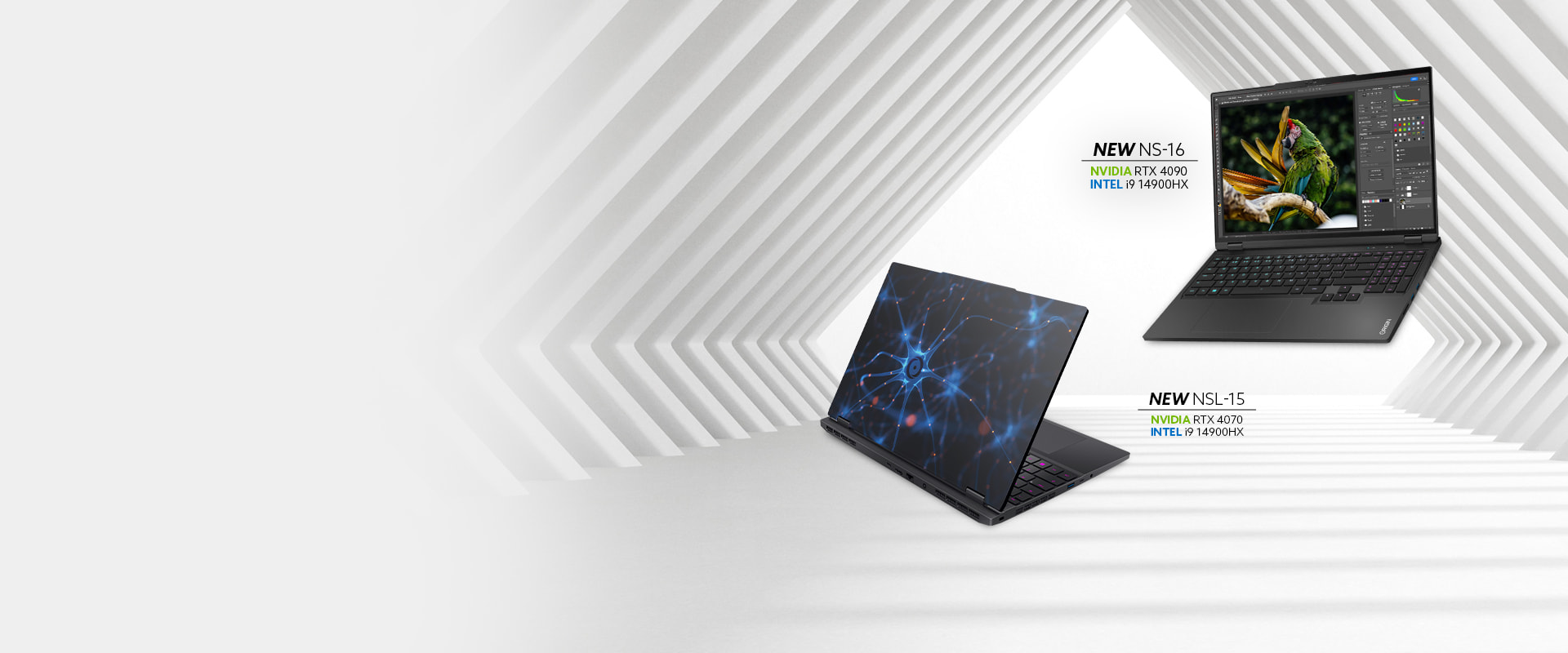
UNLIMITED CREATIVITY POSSIBILITIES
New NSL-15, NS-16, and NS-17 Workstation
Available Now.
Shop NS-16
Shop NSL-15
Shop NS-17
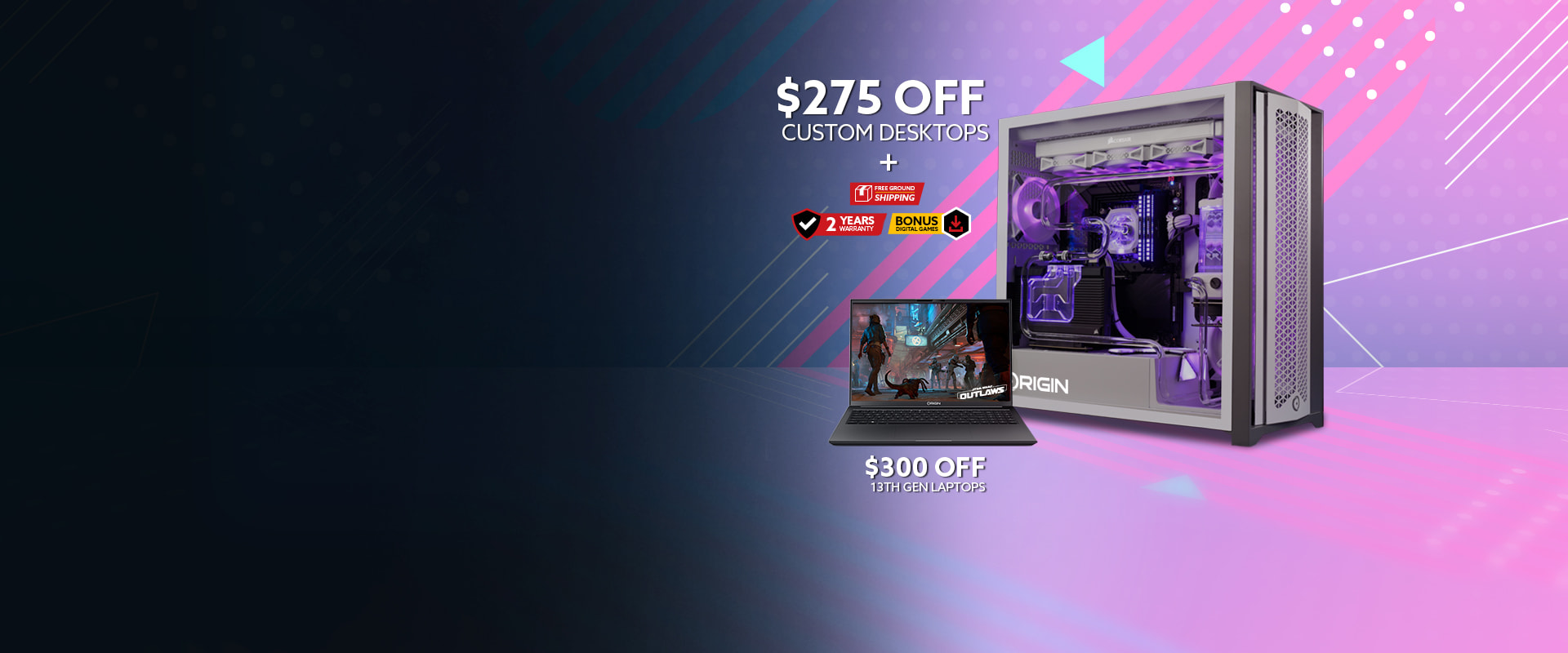
Unlock High-Performance
This April
Level up your setup with Limited time savings on custom PCs, bonus games, two-year part replacement upgrade, and more.
Shop Gaming Desktops Shop Gaming Laptops* 14th Gen Laptops and Fantasy Space Bundle excluded from promotion.

Join the Galaxy's
most wanted.
Get Star Wars Outlaws ™ with purchase of qualifying Intel® Core™ 14th Gen Products.
Learn More
Astronomical Performance Awaits
Limited Edition Fantasy Space Bundle Available Now. Enjoy a High-End Gaming PC Designed in Collaboration With Suto Customs, Alongside a Gorgeous Keyboard, Mouse, and Controller Combo.
Shop Now
HONORING YOUR WORK
Limited time 5% discount for active military and veterans, plus exclusive savings for Government Workers, First Responders, Nurses, and more.
Learn More Shop Desktops Shop Laptops-
Gaming Desktops
-
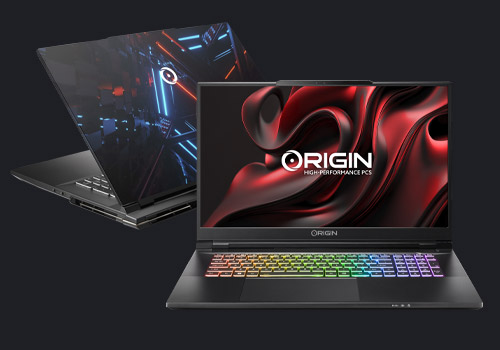
Gaming Laptops
-
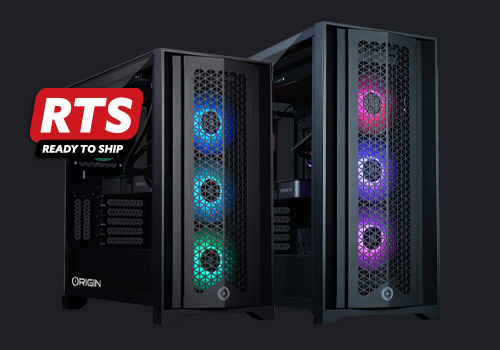
Ready to Ship Systems
-

Gearshop
Featured Review
CHRONOS
CHRONOS Gaming Desktop Awarded Editor’s Choice by PCMag
"Origin's compact Chronos gaming desktop delivers impressive style and performance...” - PCMAG
Shop NowThis is a carousel with rotating slides. Jump to a slide with the slide dots.
This is a carousel with auto-rotating slides. Activate pause button to disable rotation. Use Next and Previous buttons to navigate.
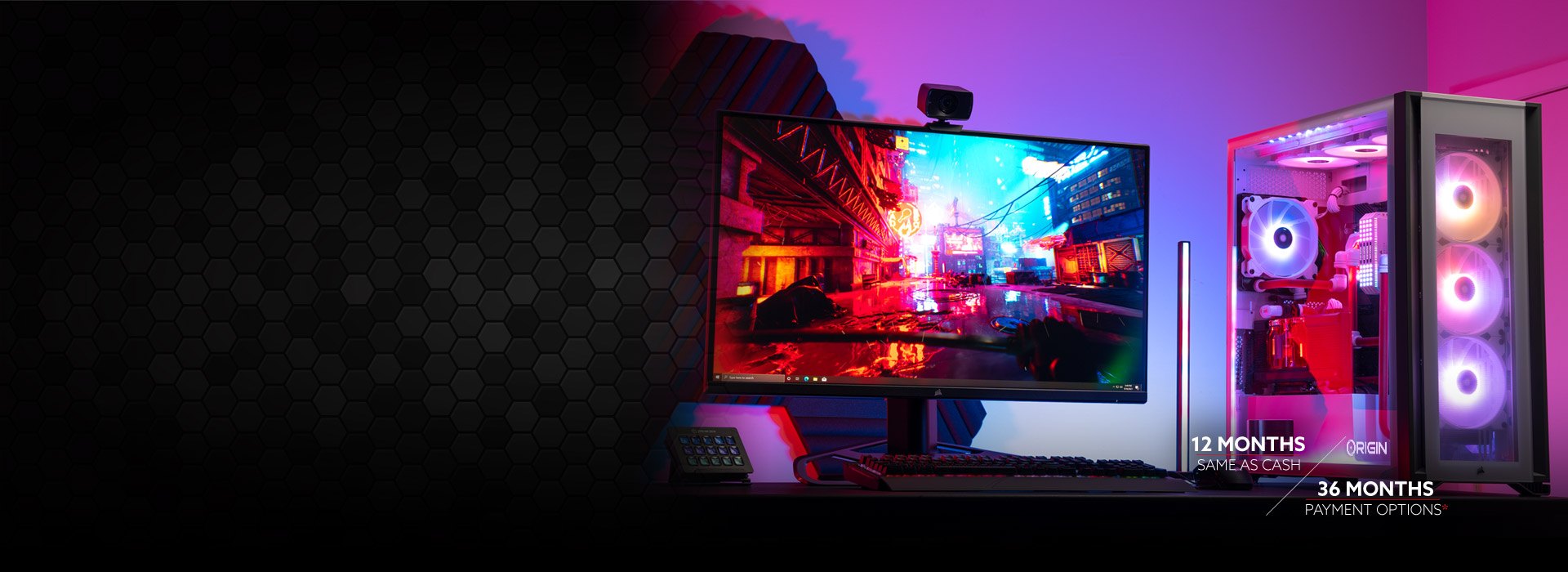
PLAY NOW, PAY LATER
Easy Pre-Approved Online Financing Available On All Systems For Qualifying Customers
Learn More
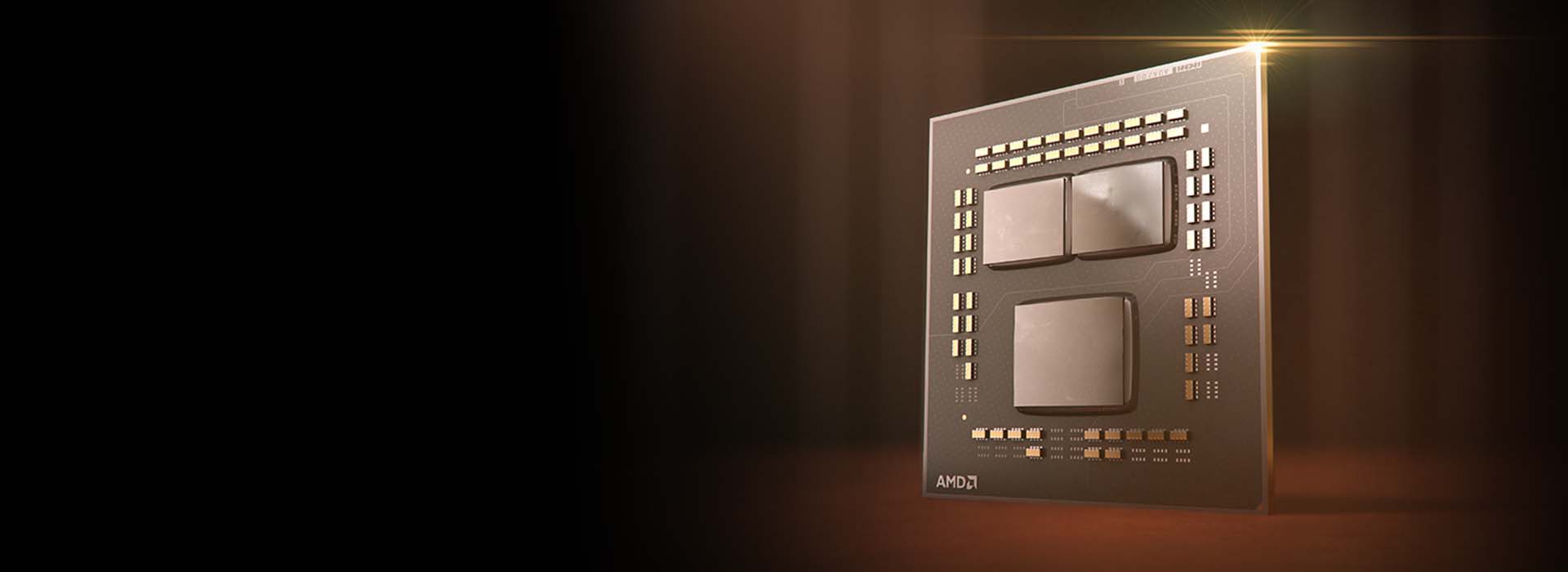
Revolutionize the Game With ORIGIN PC and AMD
After 5 years of disrupting the processor industry with a series of firsts, AMD Ryzen processors continue to shock and awe with ORIGIN PC systems.
LEARN MOREFinancing
Play Now and Pay Later
- Easy to apply
- Get instant pre-approved offers and rates
- Twelve months same as cash available*
- No prepayment penalties
- Up to 36 months of payment options
Affiliates
Join the Best
Partner up with the best custom PC system builder in the world and earn extra cash! Become An Official ORIGIN PC Affiliate Today!
Join
Support
24/7 US Based Support
Once you join us, we will have you covered. With every system, ORIGIN PC provides a free phone and online lifetime service guarantee.
Learn More
ASSEMBLED AND SUPPORTED
IN THE USA
By buying an ORIGIN PC, you get access to a fast and powerful PC as well as supporting jobs based in the United States. Learn MoreIndustry Awards








why buy from ORIGIN PC?
If you’re searching for the cheapest Gaming PC made with inferior products and questionable quality, you might as well leave now. ORIGIN PC only uses the highest quality performance Gaming PC components available. Every single customized Gaming PC and Gaming Laptop is assembled right here in the United States by highly trained and incredibly skilled technicians and assembly engineers. Sure, we can assemble our award-winning Gaming PCs overseas for less. In fact, that’s what most of our competitors do. However, we choose to assemble all our Gaming PCs right here in the United States because it gives us the best control over manufacturing, performance, and overall quality. And we’re thrilled to hire only the best PC Builders in the country.
You see, at ORIGIN PC, our customers’ long-term satisfaction is the most important thing for us. We want our customers to be fully satisfied with their ownership experience from beginning to end. And not just satisfied within the first 90 days when everything is shiny and new, but very satisfied years later, even as new and more advanced gaming software is introduced. And if something happens to your PC years later, we don’t abandon you. We have a highly trained support team always available to help out our wonderful family of ORIGIN PC owners. Again. We’re committed to your long-term ownership experience.
To answer the original question, why should you buy a new Gaming Rig from ORIGIN PC? It’s the commitment to quality: That includes the best components, best technicians, best quality control, best support, and ultimately best performance that keeps our customers coming back to purchase again and again.
You can always pay less for an inferior Computer Tower or Laptop that was assembled in massive quantities by tired factory workers in a faraway country. And when it eventually breaks, you find out that your support has expired and the company will no longer stand behind the Gaming System you paid for. Ouch!
Of course, everyone prefers getting the best of the best. But we all know, quality, performance, and support costs more. However, that’s not entirely true. See, when you build the highest quality PCs with the highest quality components, a funny thing happens. We get less returns. We get less warranty claims. We get more repeat customers. That means, our prices are astonishingly very competitive for both our pre-built Gaming Computers and our Custom Built Gaming PCs.
In addition to pricing our computers competitively, we also provide a variety of payment and financing options to let you build the machine with the performance capabilities that you’ll need today and tomorrow. (Learn more about financing options for your next Gaming PC.)
We appreciate you taking the time to consider ORIGIN PC as the source for your next custom Gaming PC, pre-built Gaming Rig, or High Speed Workstation. We welcome you to subscribe to our Gaming PC Email Newsletter, to stay up to date on the latest product releases, updates, and special offers. We also invite you to stay connected with the ORIGIN PC family via Social Media:
We wish you nothing but the best gaming experience money can buy.
Happy Gaming!